Account Settings and Targeting
Configure your account settings including language, country, search and display network targeting, and bidding parameters. Match types and split strategy are set on the Generation page when you run a generation.
Account Settings
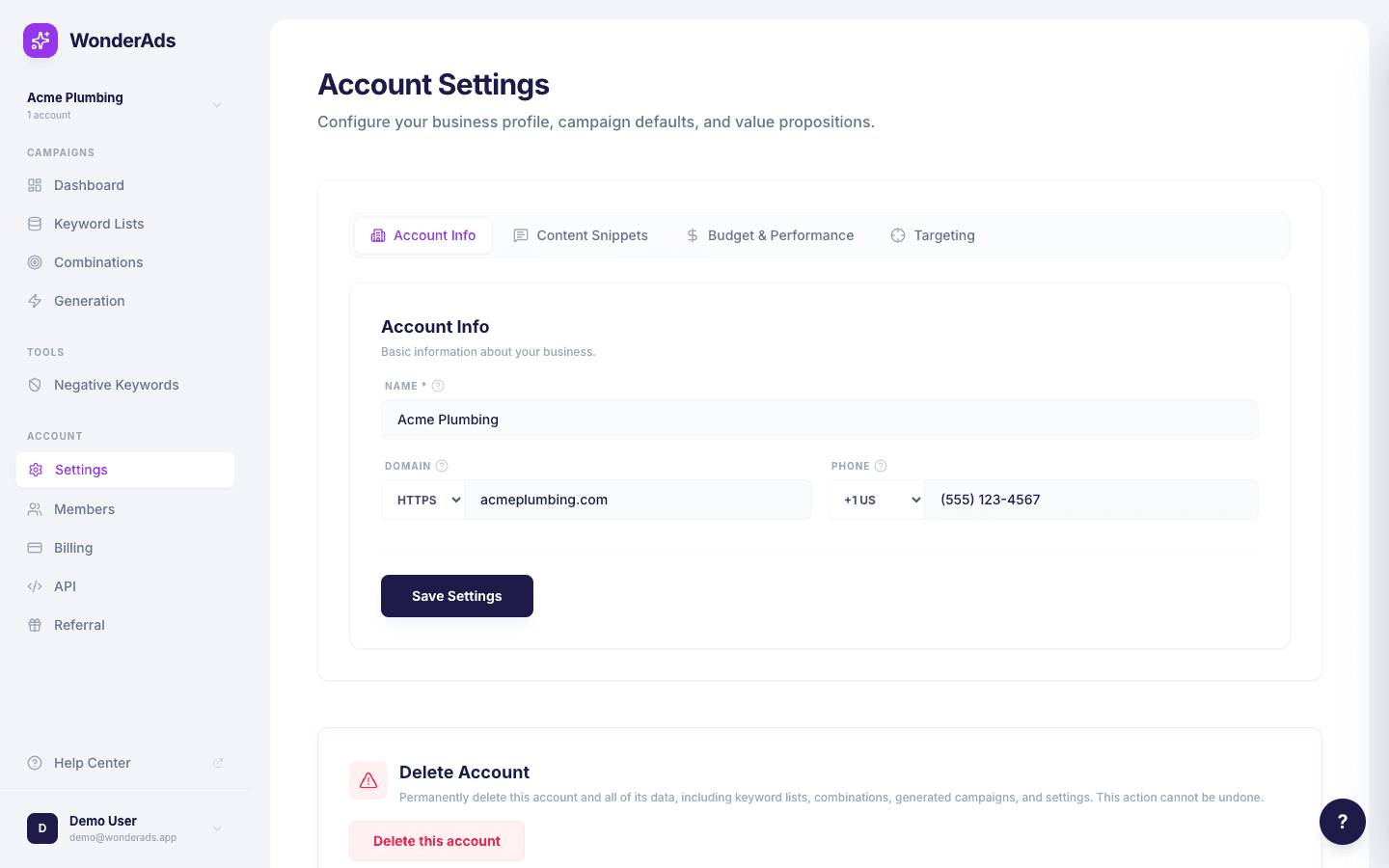
Account settings control the default behavior for campaign generation. Navigate to "Settings" in the sidebar to configure them. The settings page is organized into four tabs:
- Account Info: your account name, domain, and phone number. These values are available as variables in your ad texts (e.g. {{account.name}}, {{account.domain}}).
- Content Snippets: information snippets (infos) and calls-to-action (CTAs) that can be used as variables in your ads. For example, {{account.infos[0]}} inserts your first info snippet.
- Budget & Performance: monthly budget, Target CPA, and expected Conversion Rate. These values are used to calculate initial CPC bids and daily budgets for your generated campaigns.
- Targeting: language, country, and network settings (Search Network, Display Network). Language and country appear in campaign names (for example, "en_US | Search | ...").
Targeting and Match Types
Language, country, and network settings are configured in the Targeting tab of your account settings. These are permanent defaults that apply to all generations for this account.
Match types (Exact, Phrase, Broad) and split strategy (none, by campaign, or by ad group) are not set in settings. They are chosen on the Generation page each time you run a generation, so you can experiment with different match type configurations without changing your account defaults.
Budget and Bidding
In the Budget & Performance tab, configure your monthly budget, Target CPA (cost per acquisition), and expected Conversion Rate. WonderAds uses these to calculate:
Daily budget. Your monthly budget divided by 30.4, split equally across match type campaigns when using campaign-level splitting.
Max CPC. Calculated from your Target CPA and Conversion Rate: CPC = CPA x (Conversion Rate / 100). For example, a CPA of 10 with a 5% conversion rate gives a Max CPC of 0.50.
Radius Targeting
Radius targeting lets you show ads only to users searching within a specific distance from your business location. This is useful for local businesses that serve a defined geographic area.
- Go to Settings and open the Targeting tab.
- Enable "Radius Targeting" using the toggle.
- Search for your business address or target location using the autocomplete field.
- Select the correct location from the dropdown results.
- Adjust the radius slider to set the distance (1–80 km or 1–50 miles).
- Switch between km and miles using the unit toggle.
- Save your settings. The radius targeting will be included in your next CSV export.
When you export your campaigns, WonderAds adds proximity targeting rows to the CSV that Google Ads Editor recognizes automatically. Each campaign in your export will include a location row with the format Google expects.