Google Ads Match Types Explained: Exact, Phrase, and Broad Match in 2026
Understand the three Google Ads keyword match types — Exact, Phrase, and Broad. Learn when to use each and how match type splitting maximizes performance.
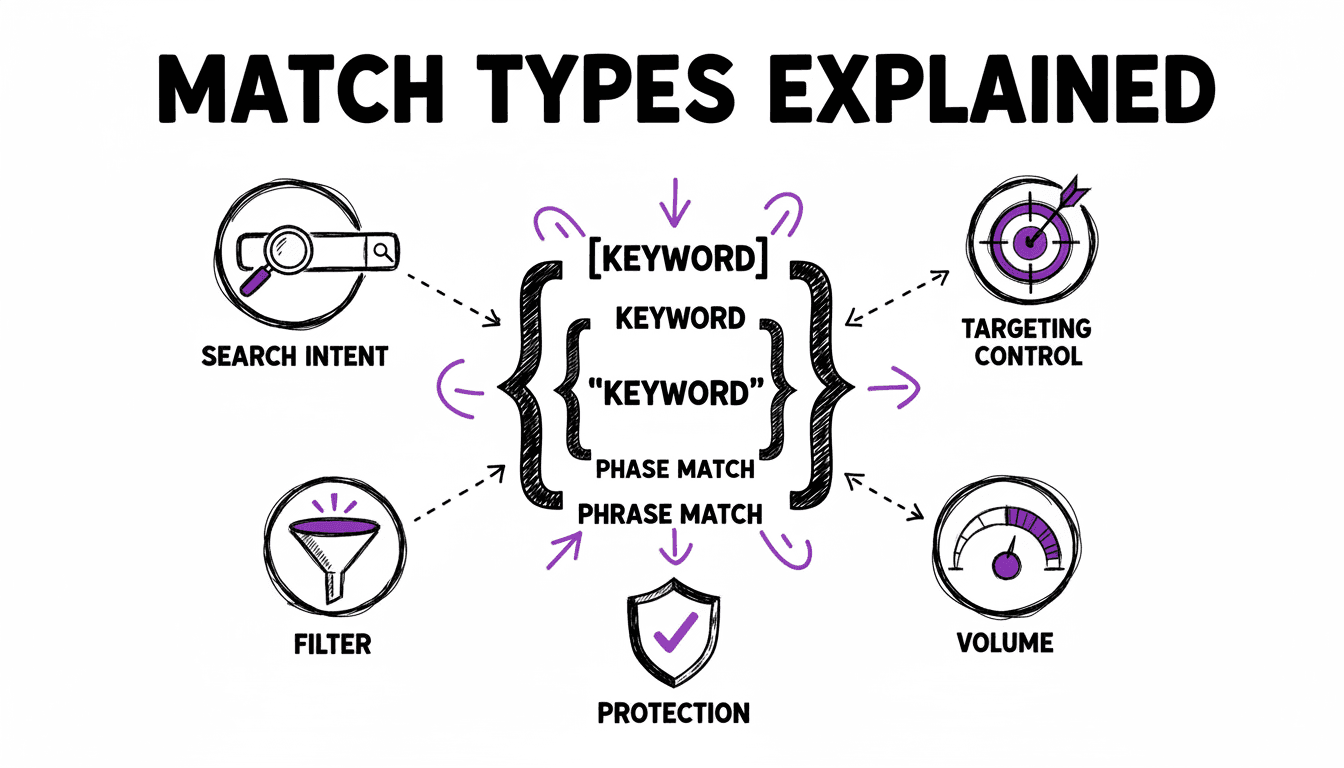
The Three Keyword Match Types
Google Ads offers three keyword match types that control how closely a user's search must match your keyword before your ad can appear. Choosing the right match type — and the right strategy for combining them — is one of the most important decisions in account management.
Exact Match
Notation: [keyword]
Exact match triggers your ad only when someone searches for your keyword or very close variants (same meaning, reordered words, implied words). It is the most restrictive match type and gives you the highest control.
Example: Keyword [plumber london]
- Triggers for: "plumber london", "london plumber", "plumber in london"
- Does not trigger for: "cheap plumber london", "plumber manchester"
When to use: For your highest-value, highest-intent keywords. Exact match traffic converts at the highest rate because the search intent precisely matches your keyword.
Phrase Match
Notation: "keyword"
Phrase match triggers your ad when the search includes the meaning of your keyword. The search can include additional words before or after, but the core phrase must be present.
Example: Keyword "plumber london"
- Triggers for: "plumber london", "best plumber london", "plumber london reviews", "affordable plumber in london"
- Does not trigger for: "plumber manchester", "london electrician"
When to use: For expanding reach beyond Exact match while maintaining relevance. Phrase match captures long-tail variations you did not explicitly target.
Broad Match
Notation: keyword (no brackets or quotes)
Broad match triggers your ad for searches that Google considers related to your keyword, including synonyms, related searches, and implied intent. It casts the widest net — and it is the match type Google pushes hardest because it generates the most impressions and the most ad spend.
Example: Keyword plumber london
- Triggers for: "plumber london", "fix leaking pipe london", "london drainage engineer", "plumbing repair services near me" (if in London)
- May trigger for: "handyman london", "bathroom renovation london"
When to use: Only for controlled discovery — and only with strong negative keyword lists, match type protection, and active Search Terms Report monitoring. Never use Broad match as your primary match type.
The Evolution: What Happened to Broad Match Modified?
In August 2021, Google retired Broad Match Modified (BMM), which used the +keyword notation. BMM was a middle ground between Phrase and Broad match — it required the modified words to be present in the search but allowed any order and additional words.
Google merged BMM behavior into Phrase match, making today's Phrase match broader than the original Phrase match. This means:
- Old Phrase Match was very restrictive — the exact phrase had to appear in order
- New Phrase Match includes the intent of BMM — words can be reordered and additional context is allowed
For advertisers who relied heavily on BMM, the transition meant switching to Phrase match and adding more negative keywords to maintain control.
Match Type Strategy: How to Combine Them
The most effective approach is using multiple match types together, with a clear strategy for each — and strict budget control so Google does not steer your spend toward the broadest, most profitable-for-Google option.
The Controlled Expansion Approach
Start narrow and expand deliberately:
- Exact match is your foundation — targets proven, high-converting keywords with maximum control and highest bids
- Phrase match is your first expansion — captures relevant long-tail variations at moderate bids
- Broad match is optional and tightly controlled — only for discovering new search terms you did not predict, with its own limited budget and strong negative keyword protection
Each match type serves a different purpose. Exact converts, Phrase validates, and Broad discovers — but only when kept on a short leash.
Budget Allocation
A disciplined allocation:
- Exact match: 60% of budget (proven keywords, highest ROI, maximum control)
- Phrase match: 30% of budget (validated variations, good ROI)
- Broad match: 10% of budget at most (capped discovery — treat it as a research expense, not a performance channel)
After 2-4 weeks of data, shift budget toward the match types that deliver the best results. If Broad match is not surfacing valuable new keywords, cut it entirely rather than letting it consume budget.
Automate Match Type Management
WonderAds generates all three match types with automatic campaign-level splitting and independent budget allocation. Select your match types, and the tool handles the rest.
Match Type Splitting: Campaign vs. Ad Group
When using multiple match types, you need to decide where to split them:
Campaign-Level Splitting (Recommended)
Each match type gets its own campaign. This is the professional setup because it gives you:
- Independent budgets — Allocate the majority of budget to Exact and Phrase match, and cap Broad match spending
- Separate bid strategies — Use Manual CPC with calculated per-keyword bids for Exact, and tighter controls for Broad
- Cleaner reporting — See exactly which match type drives your conversions
- Match type protection — Negative keywords at the campaign level prevent overlap
The naming convention follows: EN_US | Search | [Services+Locations] (Exact), EN_US | Search | [Services+Locations] (Phrase), EN_US | Search | [Services+Locations] (Broad).
Ad Group-Level Splitting
Each match type gets its own ad group within the same campaign. Simpler to manage but you lose independent budget control — all match types share the same daily budget.
No Splitting
All match types in the same ad group. The simplest structure but offers the least control. Only recommended for very small accounts.
Negative Keywords and Match Type Protection
When you run all three match types for the same keyword, match type overlap becomes a problem. Without protection, Google might show your Broad match ad for a search that exactly matches your Exact match keyword — routing the traffic to the wrong campaign.
The solution is negative keywords in the Broad match campaign:
For keyword "plumber london":
- Exact campaign:
[plumber london]— no negatives needed - Phrase campaign:
"plumber london"— no negatives needed - Broad campaign:
plumber london+ Negative Exact[plumber london]+ Negative Phrase"plumber london"
This ensures:
- An exact search for "plumber london" goes to the Exact campaign
- A phrase search like "best plumber london" goes to the Phrase campaign
- Only truly broad searches like "fix my pipes in london area" go to the Broad campaign
Monitoring Match Type Performance
Track these metrics per match type to optimize your strategy:
- CTR — Exact should have the highest CTR (most relevant ads)
- Conversion Rate — Exact typically converts best, Broad worst
- CPC — Broad usually has the lowest CPC, Exact the highest
- Cost Per Conversion — The true measure of profitability per match type
- Search Terms Report — Regularly review what searches triggered each match type
When to Adjust
- Exact match CPC too high? Lower bids or review your keyword selection
- Broad match bringing irrelevant traffic? Add more negative keywords
- Phrase match outperforming Exact? Some keywords may not need Exact match targeting
- Broad match finding great new keywords? Move them to Phrase or Exact campaigns
Related Articles
- Google Ads Account Structure
- Negative Keywords in Google Ads
- The Perfect Google Ads Campaign Structure
Master Match Types with WonderAds
Generate campaigns with all three match types, automatic campaign-level splitting, calculated CPC bids, and negative keyword protection — all in one click.
Get Started with WonderAdsRelated Articles
Google Ads Bidding Strategies Explained: Which One Should You Use?
Understand every Google Ads bidding strategy — from Manual CPC to Target ROAS. Learn when to use each, how they work, and how to calculate your ideal Max CPC.
Read articleGoogle Ads Campaign Launch Checklist: From Zero to Live in 2026
A step-by-step checklist to launch your first Google Ads Search campaign the right way. Covers account setup, targeting, keywords, ads, and conversion tracking.
Read articleGoogle Ads Quality Score: What It Is and How to Improve It
Quality Score directly affects how much you pay and where your ads appear. Learn what the three components are, how they work, and how to improve each one.
Read article