Negative Keywords in Google Ads: How to Stop Wasting Your Ad Budget
Stop paying for irrelevant clicks. Learn how to find, organize, and implement negative keywords in Google Ads to cut wasted spend and improve ROI.
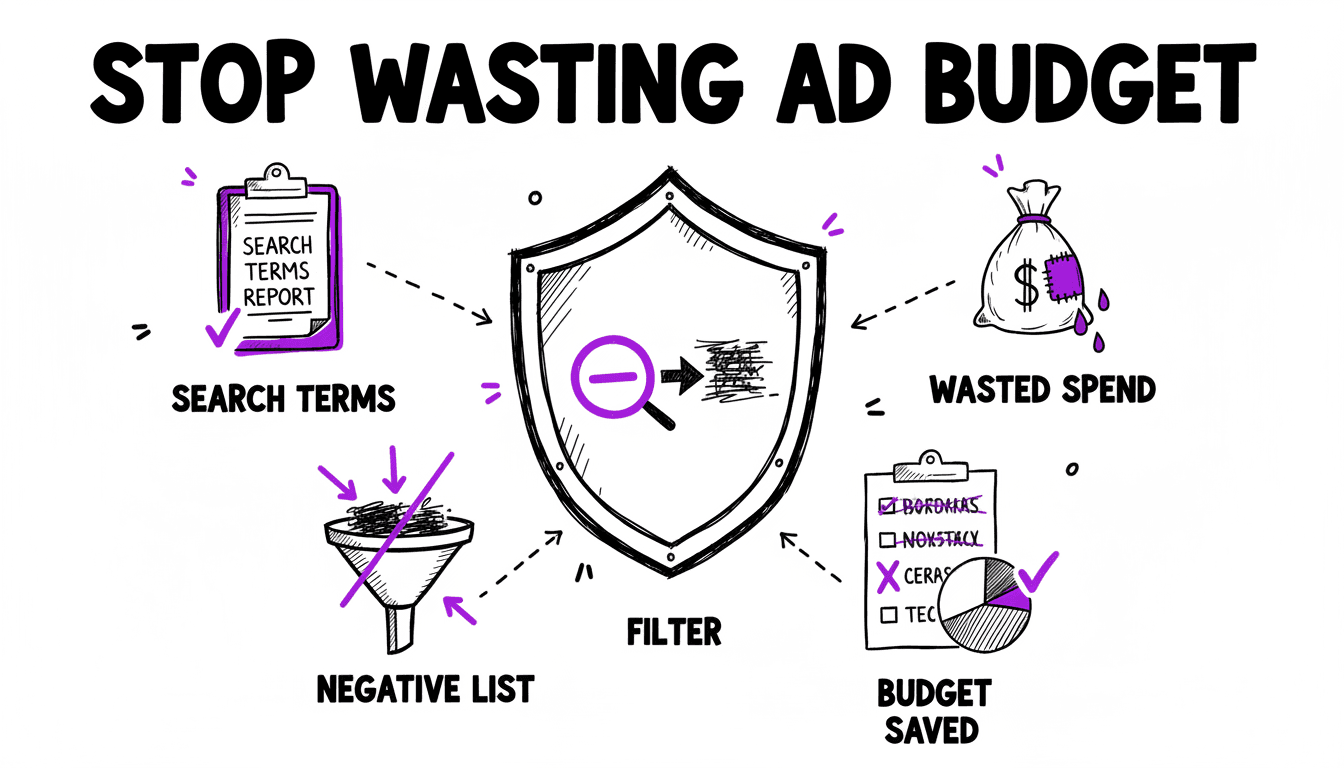
What Are Negative Keywords?
Negative keywords tell Google Ads which searches should NOT trigger your ads. They are one of the most powerful, and most neglected, tools in any advertiser's arsenal.
Without negative keywords, your ads appear for irrelevant searches that waste your budget. Every click from someone who will never buy costs you money and dilutes your performance metrics. Negative keywords fix this by blocking your ads from showing on searches that do not match your business.
The Cost of Missing Negative Keywords
Consider a real example. You sell premium designer sneakers and bid on the keyword "sneakers". Without negative keywords, your ads might appear for:
- "free sneakers": bargain hunters who will not buy premium
- "sneaker cleaning service": completely different intent
- "sneaker meaning": informational, not transactional
- "cheap sneakers under 20": wrong price segment
- "sneaker drawing tutorial": not even shopping
Each of these clicks costs money. At a CPC of €2.00, just 50 irrelevant clicks per day burns €100 of your daily budget. €3,000 per month going straight to waste.
The Three Negative Match Types
Negative keywords use the same match type system as regular keywords, but they work in reverse:
Negative Exact Match
Written as [keyword]. Blocks your ad only when someone searches for this exact term.
Example: Adding [free sneakers] as a negative blocks the search "free sneakers" but still allows "free sneakers for kids" or "best free sneakers".
Negative Phrase Match
Written as "keyword". Blocks your ad when the search contains this phrase in order.
Example: Adding "free sneakers" blocks "free sneakers", "free sneakers online", and "best free sneakers". Any search containing the phrase "free sneakers".
Negative Broad Match
Written as keyword (no brackets or quotes). Blocks your ad when all words in the negative keyword appear in the search, in any order.
Example: Adding free sneakers blocks "sneakers free shipping", "free running sneakers", and "are sneakers free". Any search containing both "free" and "sneakers".
How to Find Negative Keywords
Method 1: Search Terms Report
The Search Terms Report in Google Ads shows you the actual searches that triggered your ads. This is your primary source for finding negative keywords.
- In Google Ads, go to Insights & Reports > Search terms
- Set a date range (last 30 days is a good start)
- Sort by Cost (highest first) to find expensive irrelevant searches
- Look for patterns: words that consistently appear in non-converting searches
Common negative keyword patterns include:
- "free": attracts non-paying users
- "meaning", "definition", "what is": informational intent
- "jobs", "career", "salary": job seekers, not customers
- "review", "reddit": research phase, not buying phase
- "DIY", "how to": people who want to do it themselves
- Competitor brand names (unless you are intentionally targeting them)
Method 2: Keyword Research Tools
Before launching a campaign, use keyword research tools to identify terms you know are irrelevant. Build a starter negative keyword list proactively.
Method 3: Industry Negative Keyword Lists
Many industries have well-known negative keyword lists. Search for "[your industry] negative keyword list" to find community-curated lists as a starting point.
Analyze Your Search Terms Instantly
Upload your Search Terms Report to WonderAds' built-in Negative Keywords Tool. It breaks every search term into individual words, aggregates performance metrics, and helps you identify budget-wasting patterns in seconds.
Building a Negative Keyword Strategy
Account-Level vs. Campaign-Level
Negative keywords can be applied at two levels:
- Account-level negative keyword lists: apply to all campaigns. Use for universally irrelevant terms like "free", "jobs", "meaning".
- Campaign-level negatives: apply to specific campaigns. Use for terms that are irrelevant to one campaign but valid for another.
The Negative Keyword List Approach
Google Ads lets you create shared negative keyword lists that can be applied to multiple campaigns. This is the recommended approach:
- Universal Negatives: a list applied to every campaign (free, jobs, DIY, etc.)
- Industry Negatives: terms specific to your industry that attract wrong traffic
- Match Type Protection: negatives that prevent match type overlap between campaigns
Match Type Cannibalization
One of the most important uses of negative keywords is preventing match type overlap, also called cannibalization.
When you run the same keyword in Exact, Phrase, and Broad match across separate campaigns, Google can serve the ad from any of them. Without protection, a search for "plumber london" might trigger your Broad match campaign instead of your Exact match campaign, even though you have a perfectly tailored Exact match ad group for that term.
The solution: add negative keywords to your Broad match campaigns that prevent them from stealing traffic from your Exact and Phrase campaigns.
For every keyword in a Broad campaign, add:
- Negative Exact
[plumber london]: protects the Exact campaign - Negative Phrase
"plumber london": protects the Phrase campaign
This ensures that exact searches go to the Exact campaign, phrase searches go to the Phrase campaign, and only truly broad searches land in the Broad campaign.
Maintaining Negative Keywords Over Time
Negative keyword management is not a one-time task. You should review your Search Terms Report regularly:
- Weekly for new campaigns with significant spend
- Bi-weekly for established campaigns
- Monthly for low-spend or stable campaigns
Each review cycle, look for new irrelevant search patterns and add them as negatives. Over time, your negative keyword lists grow and your account becomes increasingly efficient.
Signs You Need More Negative Keywords
- CTR is declining: irrelevant impressions dilute your click-through rate.
- Conversion rate is dropping: irrelevant clicks do not convert.
- CPC is rising: poor Quality Score from irrelevant matches increases costs.
- Search terms report shows surprises: searches you did not expect triggering your ads.
Related Articles
Stop Wasting Ad Budget Today
WonderAds gives you two tools to fight wasted spend: the built-in Negative Keywords Tool for analyzing existing campaigns, and automatic negative keyword generation for new campaigns.
Get Started with WonderAdsRelated Articles
How to Turn Off Auto-Applied Recommendations in Google Ads (2026)
Google Ads can change keywords, bids and ads on its own. Learn what auto-applied recommendations do, when they help, and how to switch them off.
Read article9 Best Google Ads Campaign Builders in 2026 (Compared)
We tested the top Google Ads campaign builder tools on the market. Here is our honest comparison with features, pricing, pros and cons to help you pick the right one.
Read articleGoogle Ads Account Structure: How to Build Your Account the Right Way
Learn the optimal Google Ads account structure with campaigns, ad groups, and keywords. Discover how proper organization lowers your CPC and improves Quality Score.
Read article