How to Scale Google Ads Campaigns Without Losing Performance
Learn how to scale Google Ads Search campaigns by adding keywords, expanding to new markets, and automating campaign structure, without sacrificing Quality Score or ROI.
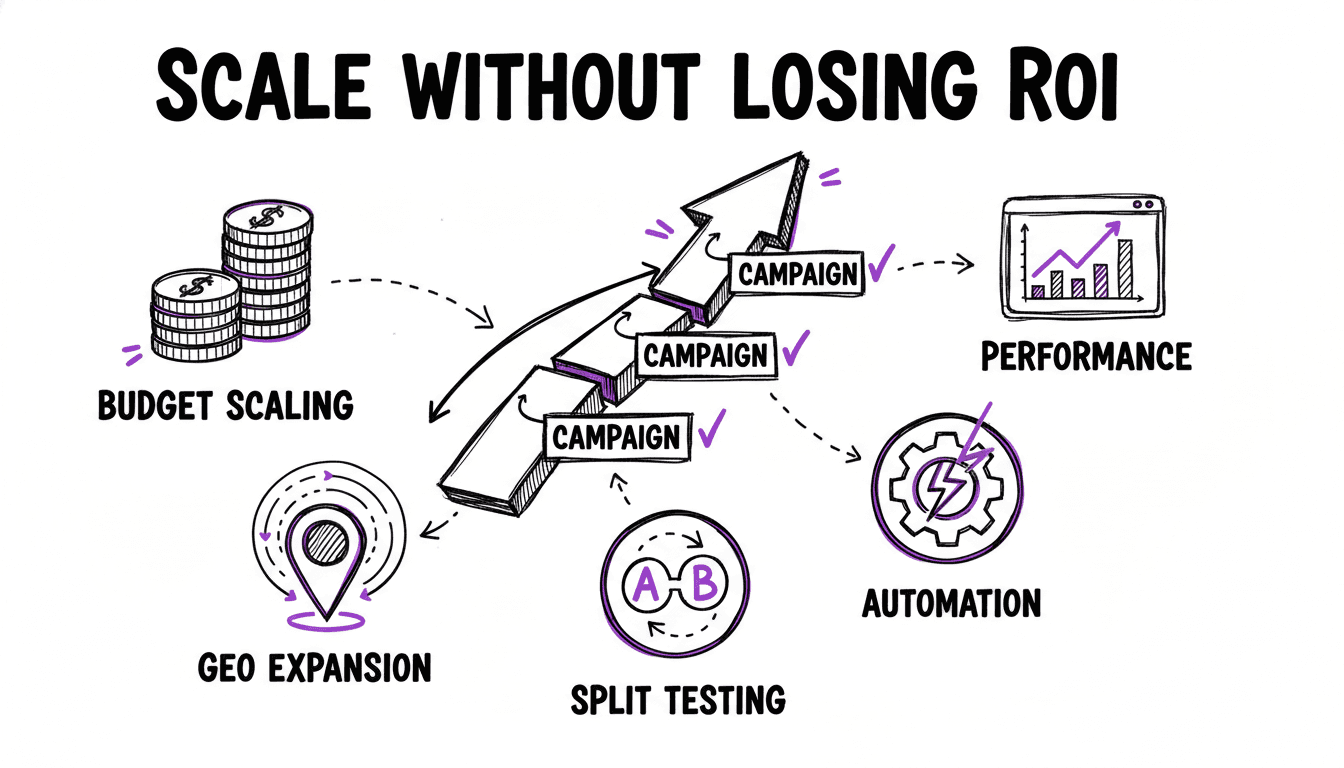
The Scaling Trap
Scaling Google Ads campaigns sounds straightforward: more keywords, more ad groups, more budget, more conversions. In practice, most advertisers hit a wall. They add more keywords but Quality Score drops. They increase budget but CPA rises. They expand to new markets but cannot maintain the same level of ad relevance.
The root cause is almost always the same: scaling forces a trade-off between quality and volume. When you manage 10 ad groups, you can write perfectly tailored ads for each one, assign keyword-specific landing pages, and monitor performance closely. When you manage 500 ad groups across three markets, that level of attention is physically impossible.
Most advertisers resolve this trade-off by cutting corners. They create broad ad groups with generic ads. They send everything to the homepage. They skip negative keywords. The result: higher CPCs, lower Quality Scores, and diminishing returns as they scale.
This article shows you how to scale without falling into that trap.
Scaling Dimension 1: Adding New Keyword Themes
The most common way to scale is adding new keywords. You start with your core services, then expand into adjacent topics, long-tail variations, and problem-based searches.
The Right Way to Add Keywords
Every new keyword theme should get its own ad group with tailored ads and a matching landing page. If you add "boiler repair" to your plumbing campaign, it needs:
- A dedicated ad group: "Boiler Repair London"
- Tailored headlines: "Boiler Repair London", "Expert Boiler Service", "Same-Day Boiler Fix"
- A landing page: example.com/boiler-repair
The Wrong Way to Add Keywords
Dumping new keywords into existing ad groups because "it's faster". Adding "boiler repair" to your "Plumber London" ad group means:
- Your plumber ad shows for boiler repair searches (low Ad Relevance)
- The plumber landing page appears for boiler repair clicks (poor Landing Page Experience)
- Your Quality Score for "boiler repair" starts at 3-4 instead of 7-8
Scaling Dimension 2: Keyword Combinations
Beyond single keyword themes, real scale comes from combining keyword lists. A plumber targeting 10 services and 20 locations needs 200 ad groups, each one with location-specific ads and landing pages.
This is where the cartesian product becomes your most powerful tool.
What Is a Cartesian Product?
Take two lists:
- Services: plumber, electrician, locksmith
- Locations: London, Manchester, Birmingham
The cartesian product generates every combination:
| Service | Location | Ad Group |
|---|---|---|
| plumber | London | Plumber London |
| plumber | Manchester | Plumber Manchester |
| plumber | Birmingham | Plumber Birmingham |
| electrician | London | Electrician London |
| electrician | Manchester | Electrician Manchester |
| electrician | Birmingham | Electrician Birmingham |
| locksmith | London | Locksmith London |
| locksmith | Manchester | Locksmith Manchester |
| locksmith | Birmingham | Locksmith Birmingham |
3 services × 3 locations = 9 ad groups. Each one tightly themed, each one with a unique ad and landing page.
Now scale those numbers up. 15 services × 30 locations = 450 ad groups. Add a third list with 5 modifiers (emergency, affordable, professional, certified, local) and you get 2,250 ad groups.
Why This Scales
The key insight: you do not write 2,250 ads manually. You write ad templates with variables:
- Headline 1: " in "
- Headline 2: " Service"
- Description 1: "Looking for a in ? We are available 24/7. Call now."
The template gets resolved for every combination. The plumber in London gets "Plumber in London". The electrician in Manchester gets "Electrician in Manchester". Every ad is unique and keyword-specific without you writing a single one manually.
Cartesian Product Campaign Generation
WonderAds combines your keyword lists using cartesian product to generate every possible ad group. Write ad templates with variables like {{lists.services}} and {{lists.locations}}, and the tool creates unique, keyword-tailored ads for each combination.
Scaling Dimension 3: Match Type Expansion
Once your keyword structure is solid, you can expand reach by adding match types. Running the same keyword in Exact and Phrase match captures different search behaviors while maintaining control. Broad match can be added selectively for discovery, but treat it as an experiment with a capped budget, not a growth engine.
Google will push you toward Broad match as your primary scaling lever because it generates the most impressions and the most spend. Resist that. The right way to scale is through more keyword combinations and better structure, not by loosening match types and hoping Google's algorithm finds relevant searches for you.
Running multiple match types per keyword across 450 ad groups means managing 1,350+ ad groups. This is where match type splitting becomes essential.
Split by Campaign
Create one campaign per match type:
en_DE | Search | [Services+Locations] (Exact): only Exact match keywordsen_DE | Search | [Services+Locations] (Phrase): only Phrase match keywordsen_DE | Search | [Services+Locations] (Broad): only Broad match keywords
This gives you independent budget control. Allocate the majority to Exact (highest intent, best conversion rates), a meaningful share to Phrase (moderate reach), and only a small, capped amount to Broad (controlled discovery).
Split by Ad Group
If you want shared budgets but separate ad groups:
- Campaign:
en_DE | Search | [Services+Locations]- Ad group:
... (Exact) : plumber london - Ad group:
... (Phrase) : plumber london - Ad group:
... (Broad) : plumber london
- Ad group:
This simplifies budget management while maintaining separate ad groups for each match type.
No Split
All match types in the same ad group. Simplest to manage but offers no budget control between match types. Only recommended for small campaigns.
Match Type Protection
When you run the same keyword in multiple match types, you must add negative keywords to prevent cannibalization. Without protection, a search for "plumber london" might trigger your Broad campaign instead of your Exact campaign, even though the Exact campaign has a perfectly tailored ad.
For every keyword in a Broad campaign, add:
- Negative Exact
[plumber london]: so the Exact campaign handles exact searches - Negative Phrase
"plumber london": so the Phrase campaign handles phrase searches
This ensures traffic flows to the right campaign. Read more in our negative keywords guide.
Scaling Dimension 4: New Markets
Expanding to new countries or languages multiplies your campaign structure. Each market needs:
- Separate campaigns (for independent budgets and targeting)
- Translated ad copy (machine translation is not good enough for ads)
- Market-specific landing pages
- Local competitor analysis and keyword research
Campaign Naming for Multi-Market Accounts
A consistent naming convention is critical when managing multiple markets. Include the language and country code:
en_GB | Search | [Services+Locations]: English, United Kingdomde_DE | Search | [Services+Locations]: German, Germanyfr_FR | Search | [Services+Locations]: French, France
This lets you filter campaigns by market instantly and spot performance differences across regions.
Targeting Settings
For each market campaign:
- Set location targeting to the specific country or region
- Set language targeting to match the ad copy language
- Use "Presence: People in your targeted locations" instead of "Presence or interest"
Scaling Dimension 5: Negative Keyword Management
As your account grows, so does the volume of irrelevant searches. An account with 100 keywords generates a manageable Search Terms Report. An account with 5,000 keywords across three match types generates a flood of data.
Scaling Your Negative Keyword Process
- Weekly reviews for new or high-spend campaigns
- Bi-weekly reviews for established campaigns
- Shared negative keyword lists applied across campaigns. Update once, protect everywhere.
- Automated tools that analyze search terms at the word level rather than the query level
Manually scanning thousands of search terms is not sustainable. The smarter approach: break search terms into individual words, aggregate metrics per word, and identify patterns.
For example, if the word "free" appears in 47 search terms and none of them converted, you know "free" should be a negative keyword. No need to read all 47 queries individually.
The Math of Scaling
Here is what a typical scaling journey looks like:
Starting point:
- 2 keyword lists (services + locations)
- 10 services × 5 locations = 50 ad groups
- 1 match type = 50 total ad groups
After adding modifiers:
- 3 keyword lists (services + locations + modifiers)
- 10 × 5 × 4 = 200 ad groups
- 1 match type = 200 total ad groups
After adding match types:
- 200 ad groups × 3 match types (with campaign split) = 600 ad groups across 3 campaigns
After expanding to a second market:
- 600 × 2 = 1,200 ad groups across 6 campaigns
Building and maintaining 1,200 ad groups manually, each with tailored ads, landing pages, and negative keywords, is a full-time job. This is where most advertisers hit the ceiling and start cutting corners.
Maintaining Quality While Scaling
The secret to scaling without losing quality is structure, not effort. You cannot outwork the scaling challenge with manual labor. You need a system that maintains granularity automatically.
The Principles
- Template-based ads. Write once, personalize thousands of times with variables.
- Keyword-driven landing pages. Assign landing paths at the keyword level, not the campaign level.
- Automated negative keywords. Generate match type protection automatically.
- Consistent naming conventions. Machine-readable names that include market, campaign type, keyword lists, and match type.
- Per-keyword bidding. Calculate Max CPC per ad group based on individual keyword performance, not account averages.
What to Avoid
- Generic ad groups. "All Services" ad groups with 50 keywords destroy Quality Score.
- Homepage-only landing pages. Every keyword deserves a relevant page.
- Manual CSV building. One typo in a 1,200-row spreadsheet can break your import.
- Copy-paste ads. The same ad in every ad group defeats the purpose of granular structure.
Related Articles
Scale Without Compromise
WonderAds generates thousands of precisely targeted ad groups from your keyword lists using cartesian product. Each ad group gets unique, variable-resolved ads, keyword-specific landing pages, calculated Max CPC bids, and automatic negative keywords. Define your lists, click generate, export to Google Ads Editor.
Get Started with WonderAdsRelated Articles
9 Best Google Ads Campaign Builders in 2026 (Compared)
We tested the top Google Ads campaign builder tools on the market. Here is our honest comparison with features, pricing, pros and cons to help you pick the right one.
Read articleGoogle Ads Account Structure: How to Build Your Account the Right Way
Learn the optimal Google Ads account structure with campaigns, ad groups, and keywords. Discover how proper organization lowers your CPC and improves Quality Score.
Read articleHow to Build the Perfect Google Ads Campaign Structure in 2026
A step-by-step guide to building a high-performance Google Ads Search campaign structure that outperforms Performance Max, with pattern-based keywords, individual ads, calculated bids, and full advertiser control.
Read article