Google Ads Bidding Strategies Explained: Which One Should You Use?
Understand every Google Ads bidding strategy, from Manual CPC to Target ROAS. Learn when to use each, how they work, and how to calculate your ideal Max CPC.
Why Your Bidding Strategy Matters
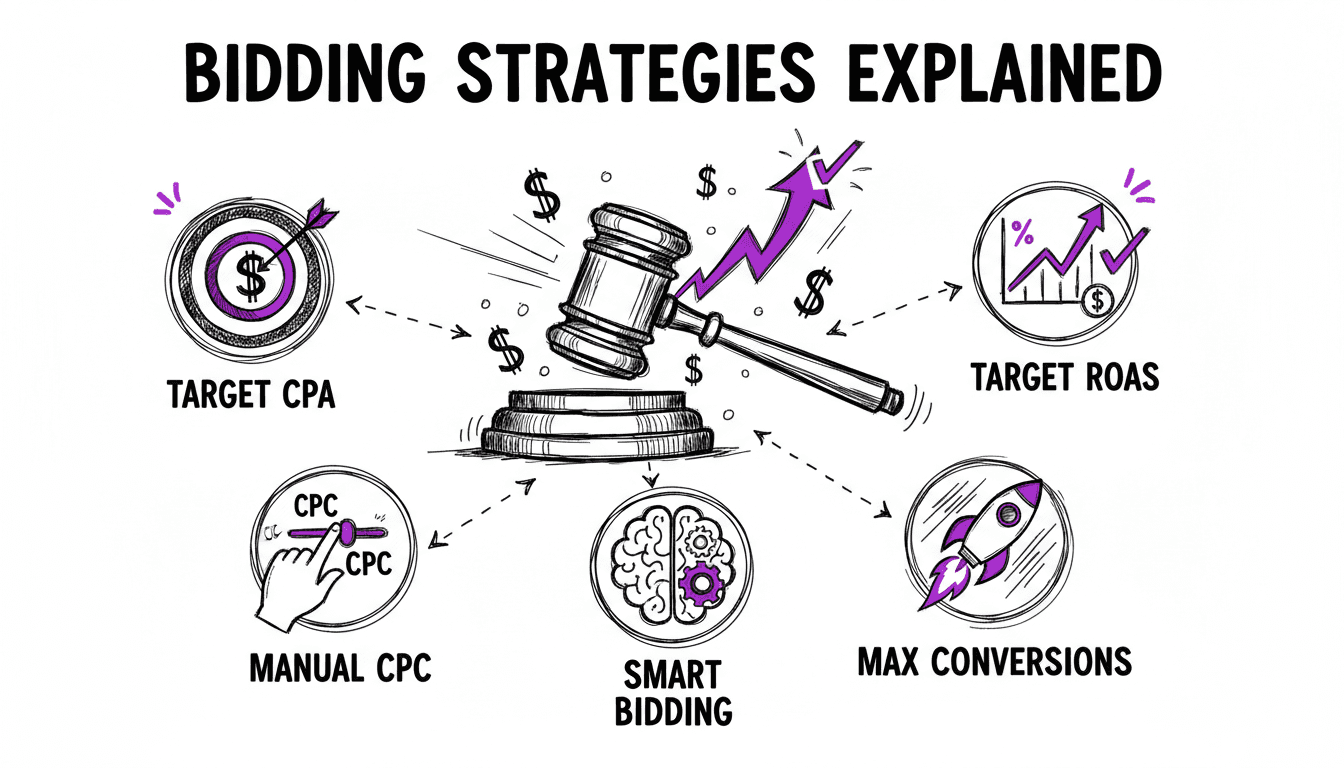
Your bidding strategy determines how Google spends your money. Choose wrong and you either overpay for clicks, miss out on conversions, or burn through your budget on the wrong audiences.
The challenge is that Google has a strong incentive to push you toward automated strategies. Google is a publicly traded company whose revenue comes from ad spend. The more you spend, the more Google earns. Their "recommendations" (automated bidding, broad match, Performance Max) consistently move advertisers toward higher spend and less control. That is not a conspiracy theory. It is a business model.
This guide breaks down every bidding option honestly, so you can make an informed decision based on your goals, your data maturity, and how much control you want to keep.
Manual Bidding Strategies
Manual CPC
You set a maximum cost-per-click (Max CPC) for each ad group or keyword. Google never charges more than your bid (though it often charges less).
When to use it:
- New accounts with no conversion data
- Small campaigns where you can manage bids at the keyword level
- When you need full control over how much you pay per click
- When testing new keywords and want to limit risk
Pros:
- Complete control over every bid
- No learning period. Works immediately.
- Easy to understand and debug
Cons:
- Time-consuming at scale. Managing hundreds of keyword bids manually is not realistic.
- You do not benefit from Google's real-time auction signals (device, location, time of day, user intent).
- Requires regular monitoring and adjustment.
Enhanced CPC (ECPC)
An overlay on Manual CPC. You still set your bids, but Google adjusts them in real time, bidding higher when a conversion is likely and lower when it is not. Google can increase your bid by any amount, but aims to keep your average CPC near your manual bid.
When to use it:
- You want some automation but are not ready to hand over full control
- You have at least some conversion data (10+ conversions per month)
- Transitioning from Manual CPC to automated bidding
Pros:
- Leverages Google's signals while keeping your base bid as an anchor
- Less dramatic than fully automated strategies
- Good middle ground
Cons:
- Google can exceed your Max CPC significantly on individual auctions
- Less predictable costs than pure Manual CPC
- Being phased out by Google in favor of fully automated strategies
Automated Bidding Strategies
Automated strategies let Google set your bids in real time using machine learning. They consider hundreds of signals (device, location, time, browser, audience, search context) that you cannot account for manually.
A word of caution: when you switch to automated bidding, you hand Google the keys to your budget. Google's algorithm optimizes for the metric you choose (clicks, conversions, ROAS), but it also has a structural incentive to spend your full budget, even when the marginal return on that spend is poor. Automated bidding can work, but only when paired with tight account structure, strong negative keyword lists, and active monitoring. Never use it as a substitute for proper campaign setup.
Maximize Clicks
Google sets bids to get you the most clicks within your daily budget. You can set an optional Max CPC bid limit to prevent Google from bidding too high.
When to use it:
- Brand new campaigns where you need traffic data fast
- Awareness campaigns where volume matters more than efficiency
- When you have no conversion data yet
Pros:
- Simple. No conversion tracking required.
- Fills your budget efficiently.
- Good for gathering initial data.
Cons:
- Optimizes for clicks, not conversions. Expensive clicks and cheap clicks are treated equally.
- Can attract low-quality traffic if your keywords are broad.
- Not sustainable as a long-term strategy for performance campaigns.
Maximize Conversions
Google sets bids to get you the most conversions within your daily budget. It uses your conversion tracking data to predict which clicks are most likely to convert.
When to use it:
- You have 30+ conversions per month and want Google to optimize for results
- Your goal is volume: as many leads or sales as possible
- You are comfortable spending your full daily budget, because Google will spend all of it
Pros:
- Directly optimizes for business outcomes
- Can find conversion opportunities you might miss manually
Cons:
- Will spend your full budget. No cost control per conversion.
- CPA can be volatile, especially early in the learning period.
- Requires sufficient conversion data to work well.
- Google's definition of "likely to convert" is a black box. You cannot audit or override individual bid decisions.
Target CPA (Cost Per Acquisition)
You tell Google how much you are willing to pay for a conversion. Google sets bids to average your target CPA over time. Some conversions cost more, some cost less, but the average should stay near your target.
When to use it:
- You know your target cost per conversion
- You have 30+ conversions per month (ideally 50+)
- You want to scale while maintaining cost efficiency
Pros:
- Balances volume and efficiency
- You set an upper bound on what you pay per conversion
- Better than Maximize Conversions for cost control
Cons:
- If your target CPA is too low, Google reduces traffic significantly, sometimes to near zero.
- Learning period of 1-2 weeks when changing targets.
- Requires consistent conversion data to optimize well.
- You still cannot see which individual auctions Google overbids or underbids on. The algorithm is opaque.
Target ROAS (Return on Ad Spend)
You set a target return percentage. If your target is 400%, you want €4 in revenue for every €1 spent. Google adjusts bids to maximize conversion value at your target return.
When to use it:
- You track conversion values (e.g., e-commerce revenue)
- Different conversions have different values
- You want to optimize for revenue, not just conversion count
Pros:
- Optimizes for business value, not just volume
- Excellent for e-commerce with varying order values
- Accounts for high-value vs. low-value conversions
Cons:
- Requires conversion value tracking, which is more complex to set up.
- Needs significant data (50+ conversions with values per month).
- Can dramatically reduce traffic if target ROAS is set too aggressively.
Maximize Conversion Value
Google sets bids to maximize the total conversion value within your daily budget. Similar to Maximize Conversions, but optimizes for value instead of count.
When to use it:
- You track conversion values and want Google to prioritize high-value conversions
- You are comfortable spending your full daily budget
- Transitioning from Maximize Conversions and want to add value optimization
Per-Keyword Bidding at Scale
WonderAds lets you set a Target CPA and conversion rate at the account level, and override them on individual keywords. The tool calculates the ideal Max CPC for every ad group automatically.
How to Calculate Your Max CPC
Whether you use Manual CPC or want to set a sensible starting bid, you need to know what a click is worth to you. The formula is straightforward:
Max CPC = Target CPA × (Conversion Rate / 100)
Example
- Your target cost per conversion (CPA): €50
- Your expected conversion rate: 4%
- Max CPC = €50 × (4 / 100) = €2.00
This means you can afford to pay up to €2.00 per click and still hit your €50 CPA target at a 4% conversion rate.
Why This Works
The math is simple: if 4 out of every 100 clicks convert, you need 25 clicks to get one conversion. At €2.00 per click, 25 clicks cost €50, exactly your target CPA.
Per-Keyword CPC
Not all keywords convert equally. Your branded keyword might convert at 15%, while a generic keyword converts at 2%. Setting the same CPC for both wastes money on the generic keyword and under-bids on the branded one.
The better approach: calculate CPC per keyword based on its individual conversion rate and CPA target.
- Branded keyword: CPA €30 × (15 / 100) = €4.50
- Generic keyword: CPA €60 × (2 / 100) = €1.20
This gives each keyword a bid that reflects its actual value.
Choosing the Right Strategy: A Decision Framework
Start Here: What Data Do You Have?
No conversion data (new account): → Start with Manual CPC. Calculate your Max CPC using the formula below and maintain full control from day one. If you need traffic volume quickly, Maximize Clicks with a Max CPC limit is an alternative, but set a tight cap.
Some conversion data (15-30 conversions/month): → Stick with Manual CPC or try Enhanced CPC. You do not have enough data for Google's algorithms to optimize reliably. At this stage, structure and ad relevance will improve your results more than any automated strategy.
Solid conversion data (30+ conversions/month): → Target CPA is a reasonable option if you want some automation. But consider whether a well-structured account with per-keyword CPC bids achieves the same result with more transparency.
Conversion value data (50+ conversions with values/month): → Target ROAS can be effective for e-commerce with varying order values. If you use it, monitor aggressively. Google's algorithm may chase high-value conversions at unsustainable costs.
What Is Your Priority?
| Priority | Best Strategy |
|---|---|
| Maximum control | Manual CPC |
| Traffic volume | Maximize Clicks |
| Conversion volume | Maximize Conversions |
| Cost efficiency | Target CPA |
| Revenue optimization | Target ROAS |
| Value maximization | Maximize Conversion Value |
Common Bidding Mistakes
Setting Target CPA Too Low
If your target CPA is lower than what is realistically achievable, Google drastically reduces your traffic to meet the target. You end up with almost no impressions. Start with a target near your current average CPA, then gradually reduce it.
Changing Bids Too Often
Automated strategies need 1-2 weeks to learn after any change. Adjusting your target CPA every other day prevents the algorithm from stabilizing. Make changes, then wait at least two weeks before evaluating.
Using Maximize Conversions Without a Budget Cap
Maximize Conversions will spend your entire daily budget. If you set a €500 daily budget thinking you will only spend €200, you will spend €500. Set your budget to the actual amount you are willing to spend every single day.
Ignoring Per-Keyword Performance
Even with automated bidding, you should monitor which keywords drive conversions and which do not. Pause keywords that consistently spend without converting, regardless of what bidding strategy you use.
Related Articles
Smarter Bidding Starts With Better Structure
WonderAds builds granular campaigns where every ad group gets its own calculated Max CPC based on keyword-specific CPA targets and conversion rates. Export to Google Ads Editor and let the structure do the heavy lifting.
Get Started with WonderAdsRelated Articles
How to Turn Off Auto-Applied Recommendations in Google Ads (2026)
Google Ads can change keywords, bids and ads on its own. Learn what auto-applied recommendations do, when they help, and how to switch them off.
Read article9 Best Google Ads Campaign Builders in 2026 (Compared)
We tested the top Google Ads campaign builder tools on the market. Here is our honest comparison with features, pricing, pros and cons to help you pick the right one.
Read articleGoogle Ads Account Structure: How to Build Your Account the Right Way
Learn the optimal Google Ads account structure with campaigns, ad groups, and keywords. Discover how proper organization lowers your CPC and improves Quality Score.
Read article