9 Best Google Ads Campaign Builders in 2026 (Compared)
We tested the top Google Ads campaign builder tools on the market. Here is our honest comparison with features, pricing, pros and cons to help you pick the right one.
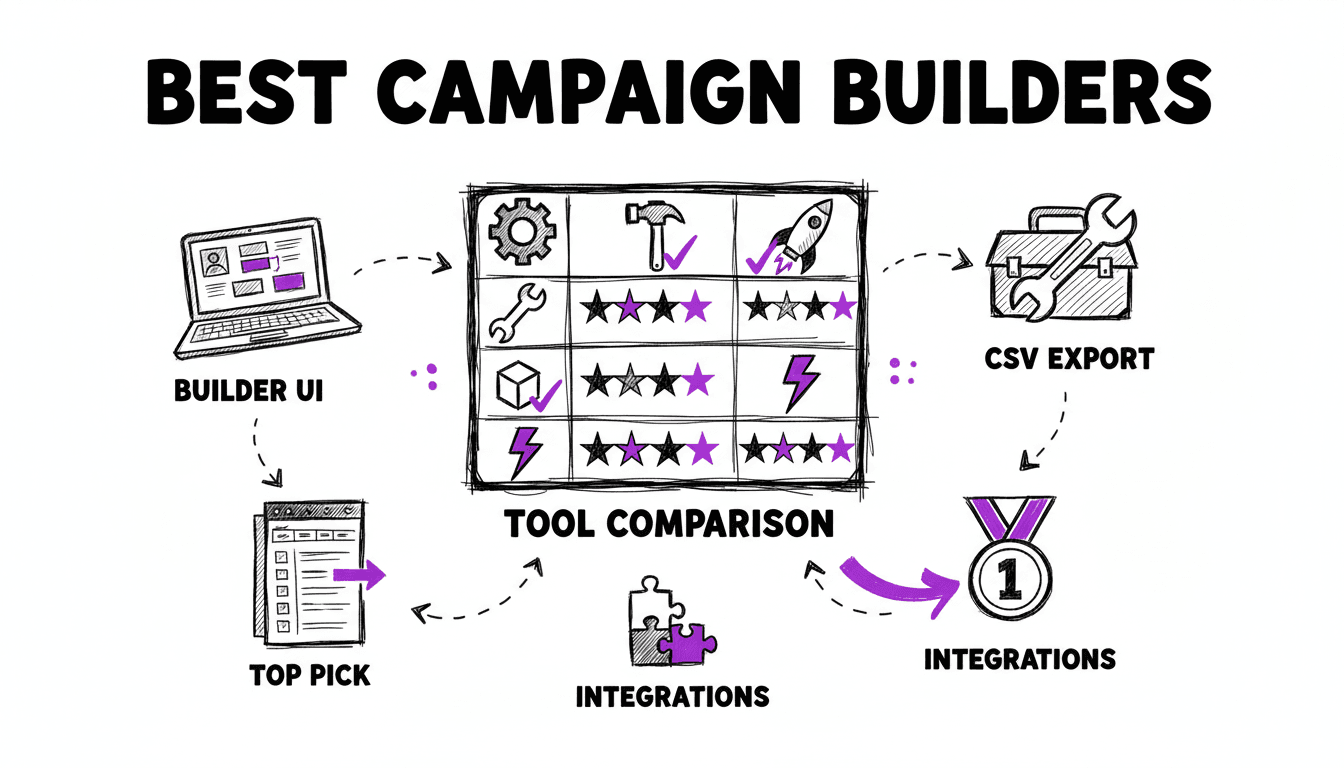
Why You Need a Google Ads Campaign Builder
Building Google Ads campaigns manually is slow, repetitive, and error-prone. If you manage more than a handful of ad groups, you know the pain. Creating keyword lists, writing tailored ads for each group, setting match types, adding negative keywords, configuring bids: all by hand in the Google Ads interface or Google Ads Editor.
A campaign builder automates this process. Instead of building campaigns one ad group at a time, you define your keyword lists and ad templates, and the tool generates the full campaign structure in minutes.
The best campaign builders handle:
- Bulk campaign creation, from keyword lists to thousands of ad groups.
- Ad copy generation, with unique, keyword-tailored Responsive Search Ads for each ad group.
- Match type management for Exact, Phrase, and Broad with proper negative keyword protection.
- Export to Google Ads Editor, with clean CSV files ready for import.
We tested nine tools that claim to do this. Here is what we found.
Quick Comparison
| Tool | Best For | Starting Price | Key Strength |
|---|---|---|---|
| WonderAds | Bulk SKAG campaign creation | $9/mo | Variable-based ads + AI keyword planner |
| Optmyzr | Enterprise PPC teams | $208/mo | Rule engine + feed-based automation |
| Adalysis | PPC auditing + building | $149/mo | 100+ automated audit checks |
| Semrush | SEO teams adding PPC | $99/mo | Competitive research integration |
| AdsBuildy | Quick AI-generated campaigns | $12/mo | Fast AI keyword discovery |
| Opteo | Account optimization | $129/mo | Smart improvement recommendations |
| AdCreative.ai | Display + social ad creatives | $29/mo | AI creative scoring |
| Cloudginny | Non-experts launching ads | €79/mo | Website analysis for auto-setup |
| Google Ads Editor | Manual bulk editing | Free | Native Google tool |
Disclosure: This article is written by the WonderAds team. We have done our best to evaluate each tool fairly, but you should factor in that we are naturally biased toward our own product. Pricing and features were verified in February 2026.
1. WonderAds, Editor's Pick
Website: wonderads.org
WonderAds is a purpose-built Google Ads Search campaign builder. You define keyword lists, combine them, write ad templates with variables, and the tool generates the full account structure: campaigns, ad groups, keywords, individually tailored RSA ads, and negative keywords. Export everything as a single CSV for Google Ads Editor.
What makes WonderAds unique is the variable-based ad system. Instead of writing the same ad 500 times with minor changes, you write headline and description templates with placeholders like {{lists.service}} or {{lists.location}}. WonderAds resolves these per ad group, so every ad group gets a unique, keyword-specific RSA, at scale.
Key Features
- SKAG Structure: one keyword per ad group for maximum Quality Score and ad relevance.
- AI Keyword Planner: paste a raw keyword dump and let AI decompose it into atomic keyword lists with synonyms and combination proposals.
- Variable-Based RSA Ads: write templates once, generate thousands of unique ads with automatic variant selection (long/short/default) within Google's character limits.
- Match Type Splitting: separate campaigns or ad groups per match type, with automatic negative keyword generation to prevent cannibalization.
- Negative Keywords Tool: upload your Search Terms Report and instantly identify budget-wasting words.
- Per-Keyword CPC: override account-level bids at the keyword level for precision bidding.
- CSV Export: single file with campaigns, ad groups, keywords, and RSA ads formatted for Google Ads Editor.
- REST API: programmatic access for agencies and power users (Business plan).
Pros
- Built specifically for Search campaign creation, not a general-purpose PPC tool.
- Variable system means truly unique ads per ad group at any scale.
- AI planner turns unstructured keyword research into organized campaign-ready lists.
- Affordable entry point at $9/mo.
- Automatic negative keyword protection across match types.
Cons
- Focused on Search campaigns only. No Display, Shopping, or Performance Max.
- No direct Google Ads API integration (export via CSV).
- No bid management or automated optimization after campaigns are live.
Pricing
- Starter: $9/mo. 1 account, 1 AI analysis/month.
- Pro: $29/mo. 5 accounts, team collaboration, CSV import.
- Business: $79/mo. 25 accounts, API access, unlimited team members.
Generation is pay-per-use with ad groups included in a base fee (50–2,000 depending on plan).
Best for: PPC managers and agencies who build large Search campaign structures from keyword lists and need individually tailored ads at scale.
Build Thousands of Campaigns in Minutes
Define your keyword lists, write ad templates with variables, and WonderAds generates the complete account structure: campaigns, ad groups, keywords, and individually tailored RSA ads.
2. Optmyzr
Website: optmyzr.com
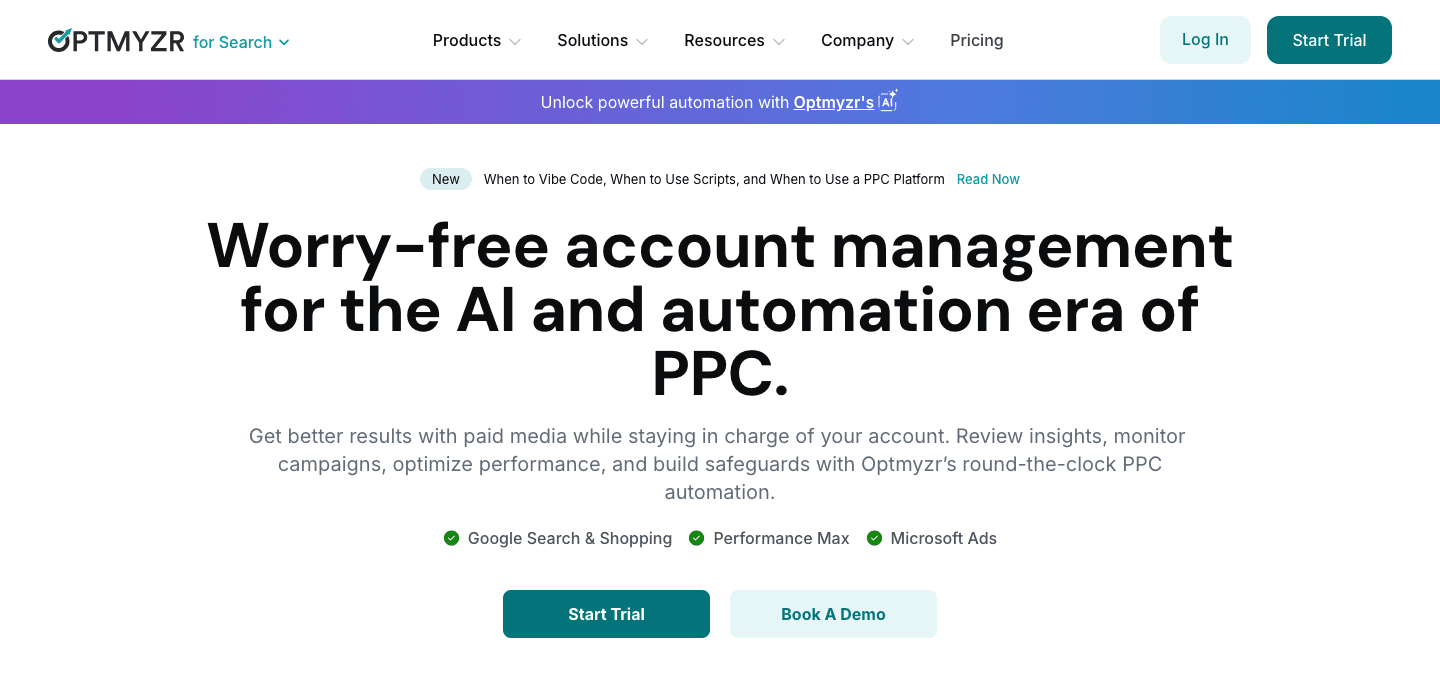
Optmyzr is a comprehensive PPC management platform founded by former Google Ads engineers. Its Campaign Automator builds campaigns from inventory feeds, Google Sheets, or data sources, and keeps them updated as your inventory changes. It is a powerful tool, but it is built for larger teams managing significant ad spend.
Key Features
- Campaign Automator builds campaigns from feeds, spreadsheets, or APIs
- Advanced rule engine with IF-THEN logic for custom automation
- Cross-platform support (Google, Microsoft, Amazon)
- Express optimization for quick, priority changes
- Budget and bid management tools
Pros
- Deep automation capabilities for enterprise workflows
- Strong rule-based optimization without coding
- Multi-platform management in one place
- Founded by former Google executives, with deep platform knowledge
Cons
- Expensive. Starts at $208/mo and scales with ad spend.
- Steep learning curve for the rule engine.
- Overkill for teams that only need campaign creation.
- No SKAG-specific workflow.
Pricing
Starts at $208/mo for up to $10K in managed ad spend. Scales to $599/mo for $75K spend. Enterprise pricing available. 14-day trial.
Best for: Enterprise PPC teams managing large, multi-platform accounts who need ongoing automation beyond campaign creation.
3. Adalysis
Website: adalysis.com
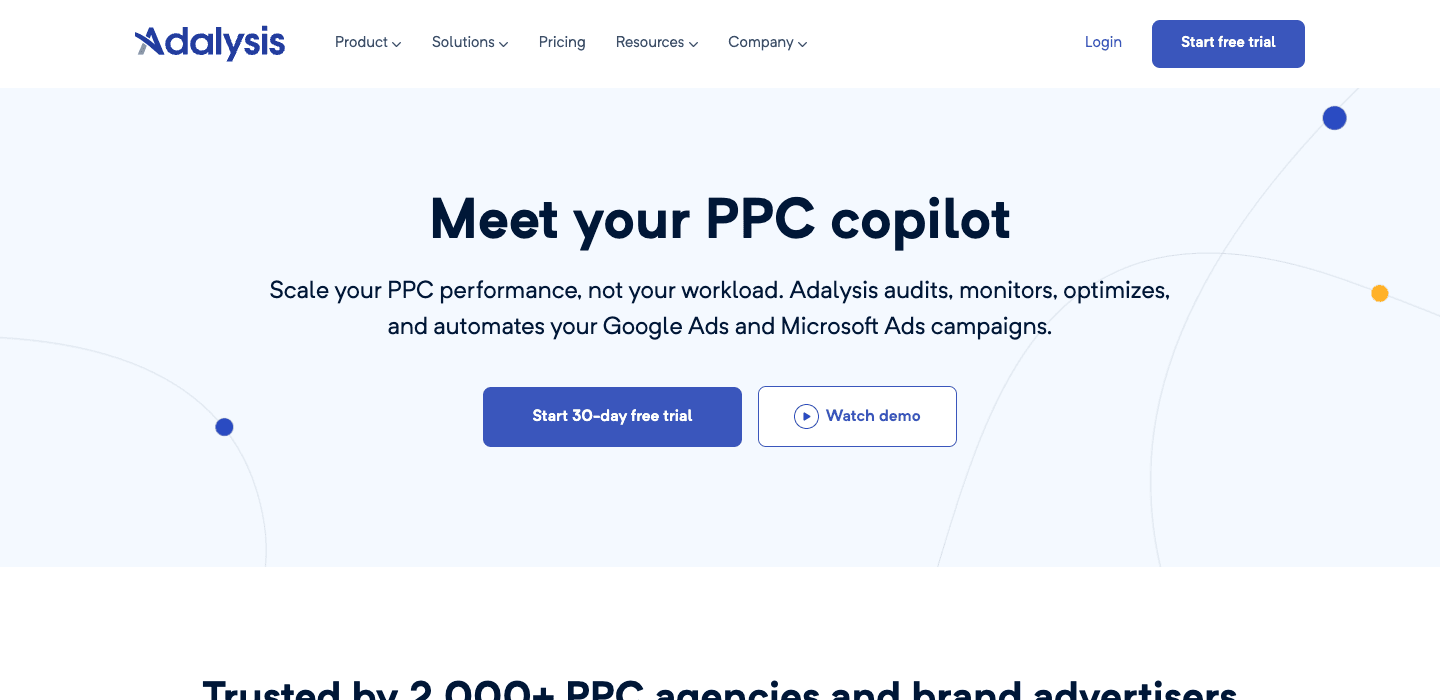
Adalysis combines a PPC Campaign Builder with 100+ automated audit checks. The campaign builder lets you import keywords from CSV, organize them into ad groups (including SKAG), and create variable-based ads. The workflow is similar to WonderAds. Where Adalysis shines is post-creation: it continuously audits your live campaigns against best practices.
Key Features
- 4-step drag-and-drop campaign builder
- Keyword grouping by similarity or SKAG structure
- Variable-based RSA creation with bulk updates
- 100+ prebuilt audit and optimization checks
- Statistical A/B testing for ad copy
- RSA Asset Manager for bulk headline/description management
Pros
- Strong combination of building and auditing in one tool
- Statistical ad testing identifies winning copy with confidence
- Variable-based ad creation similar to WonderAds
- Comprehensive audit automation saves ongoing optimization time
Cons
- $149/mo single-tier pricing. No cheaper entry point.
- Campaign builder is one feature among many, not the primary focus.
- No AI-powered keyword analysis.
- Interface can feel complex for new users.
Pricing
$149/mo (single plan, up to $50K ad spend). Annual billing brings it to ~$126/mo. 30-day trial available.
Best for: PPC managers who want campaign building plus ongoing account auditing in a single platform.
4. Semrush PPC Tools
Website: semrush.com
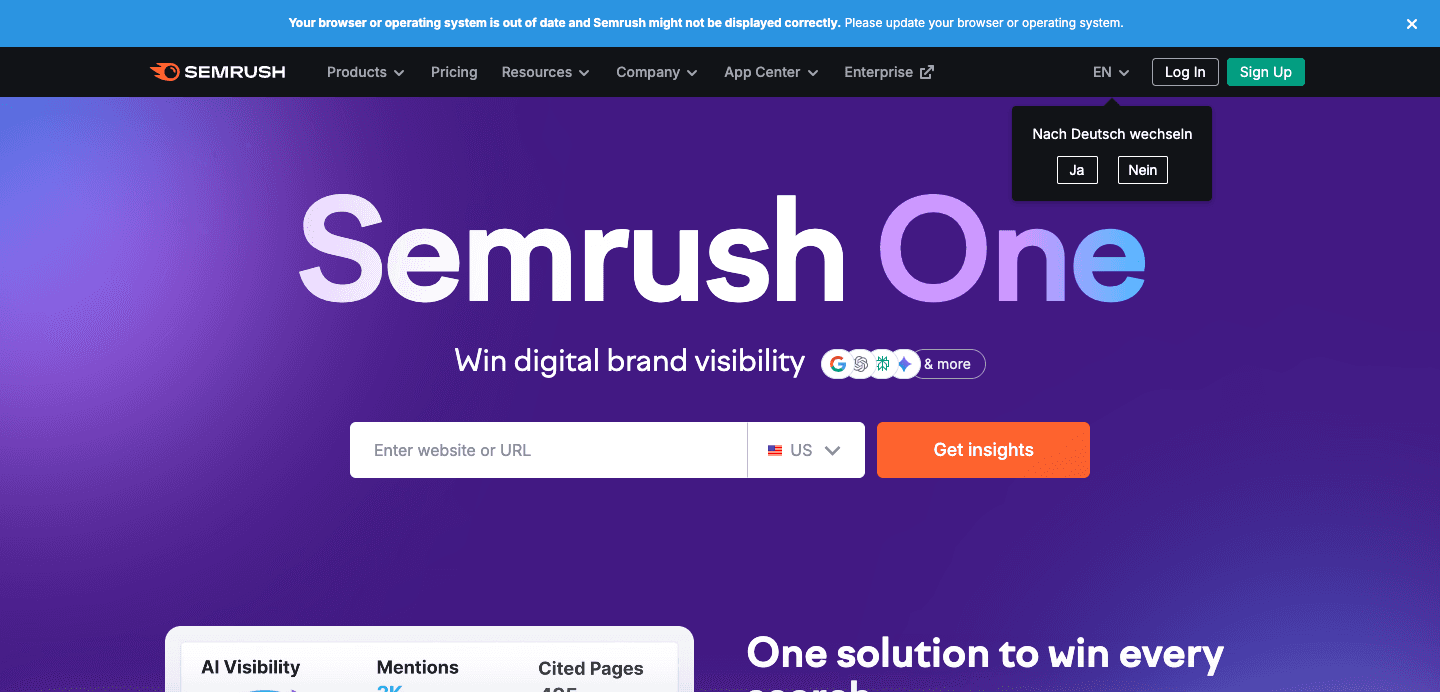
Semrush is primarily an SEO suite, but it includes a PPC Keyword Tool and an Ads Launch Assistant for Google Ads campaign creation. The PPC Keyword Tool helps you build keyword lists with match type assignment, deduplication, and cross-group negative keyword matching. The Ads Launch Assistant walks you through launching campaigns.
Key Features
- PPC Keyword Tool for building and organizing keyword lists
- Cross-group negative keyword conflict detection
- Competitor advertising research (see competitors' ads and keywords)
- Ads Launch Assistant for guided campaign creation
- Integration with the broader Semrush SEO/content ecosystem
Pros
- Excellent competitor research. See what keywords and ads competitors are running.
- Cross-group negative keyword matching prevents conflicts.
- Good keyword research starting point with volume and CPC data.
- Valuable if you already use Semrush for SEO.
Cons
- Campaign building is a secondary feature. Semrush is an SEO tool first.
- No variable-based ad creation or bulk RSA generation.
- No SKAG workflow or advanced campaign structuring.
- PPC features require the Advertising add-on or higher-tier plan.
Pricing
Advertising add-on starts at $99/mo on top of a Semrush subscription. Full access requires the Pro plan at $220/mo. 7-day trial available.
Best for: Teams already using Semrush for SEO who want to add basic PPC campaign building and competitive research.
5. AdsBuildy
Website: adsbuildy.com
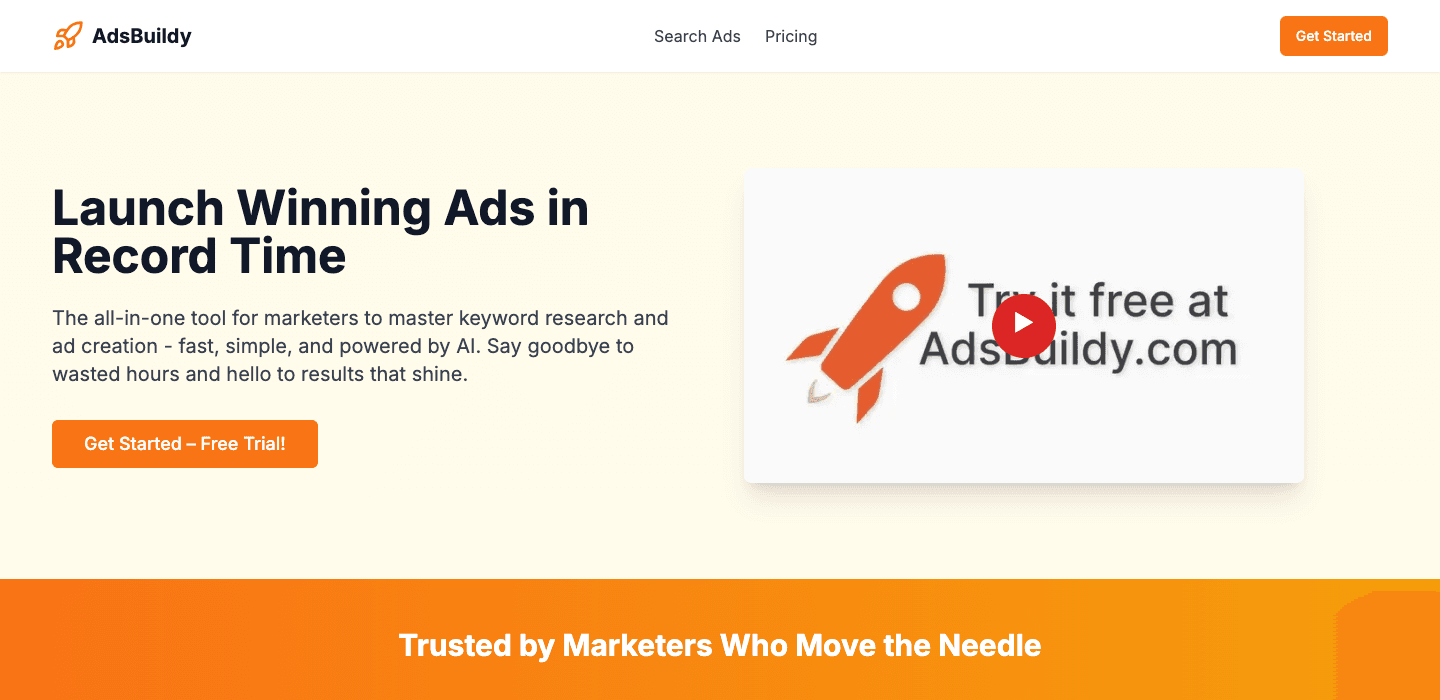
AdsBuildy is an AI-powered tool that generates Google Ads Search campaigns quickly. Enter your business information, and the AI discovers keywords, generates ad copy, organizes keywords into ad groups, and suggests bidding strategies. It exports to CSV for Google Ads Editor: a similar end-to-end workflow to WonderAds, but AI-driven rather than template-driven.
Key Features
- AI discovers 20-30 relevant keywords with volume and CPC data
- Generates up to 15 headlines, descriptions, and callout extensions
- Auto-organizes keywords into logical ad groups
- AI-recommended bidding strategies and daily budgets
- Negative keyword suggestions
- CSV export for Google Ads Editor
Pros
- Very fast. Generates a campaign structure in minutes.
- Low price point at $12/mo.
- Good for advertisers who want a quick starting point.
- Includes extension generation (sitelinks, callouts).
Cons
- AI-generated structure gives less control than manual keyword list definition.
- Limited to 20-30 keywords per campaign. Not suitable for large-scale builds.
- No variable-based ad personalization.
- No match type splitting or advanced negative keyword management.
- Less granular control over campaign architecture.
Pricing
- Pro: $12/mo. 300 campaigns.
- Genius: $19/mo. 1,500 campaigns.
Annual billing saves up to 44%.
Best for: Small advertisers or beginners who want an AI-generated campaign as a starting point.
6. Opteo
Website: opteo.com
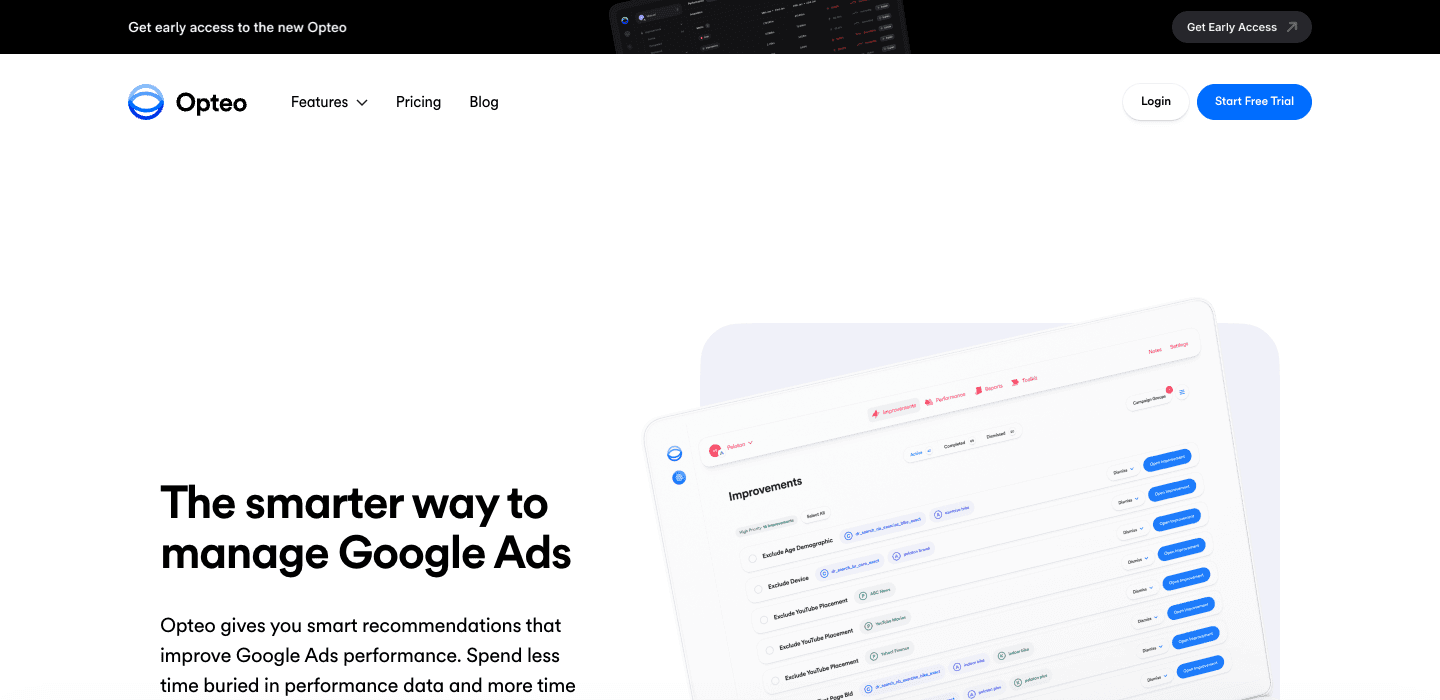
Opteo is a Google Ads optimization tool that continuously monitors your account and surfaces improvement recommendations. It is not a campaign builder; you cannot create campaigns from scratch in Opteo. But it excels at making your existing campaigns better through smart, one-click optimizations.
Key Features
- One-click optimization recommendations (keywords, bids, ads, exclusions)
- Real-time performance monitoring with segment exploration
- Budget management across accounts
- Custom-branded reporting (Opteo Scorecard)
- Slack integration for performance alerts
- Error detection and bad traffic exclusion
Pros
- Excellent post-launch optimization. Surfaces issues you might miss.
- Clean, simple interface with actionable recommendations.
- One-click implementation saves time on routine optimizations.
- Good Slack integration for team awareness.
Cons
- Not a campaign builder. Cannot create campaigns from scratch.
- Recommendations require human approval (not autonomous).
- Starts at $129/mo, which is expensive for what is essentially a recommendation engine.
- Google Ads only. No multi-platform support.
Pricing
- Basic: $129/mo. $25K spend, 10 accounts.
- Professional: $249/mo. $100K spend, 25 accounts.
- Agency: $499/mo. $250K spend, 75 accounts.
Best for: PPC managers who want ongoing optimization recommendations for live campaigns. Not for campaign creation.
7. AdCreative.ai
Website: adcreative.ai
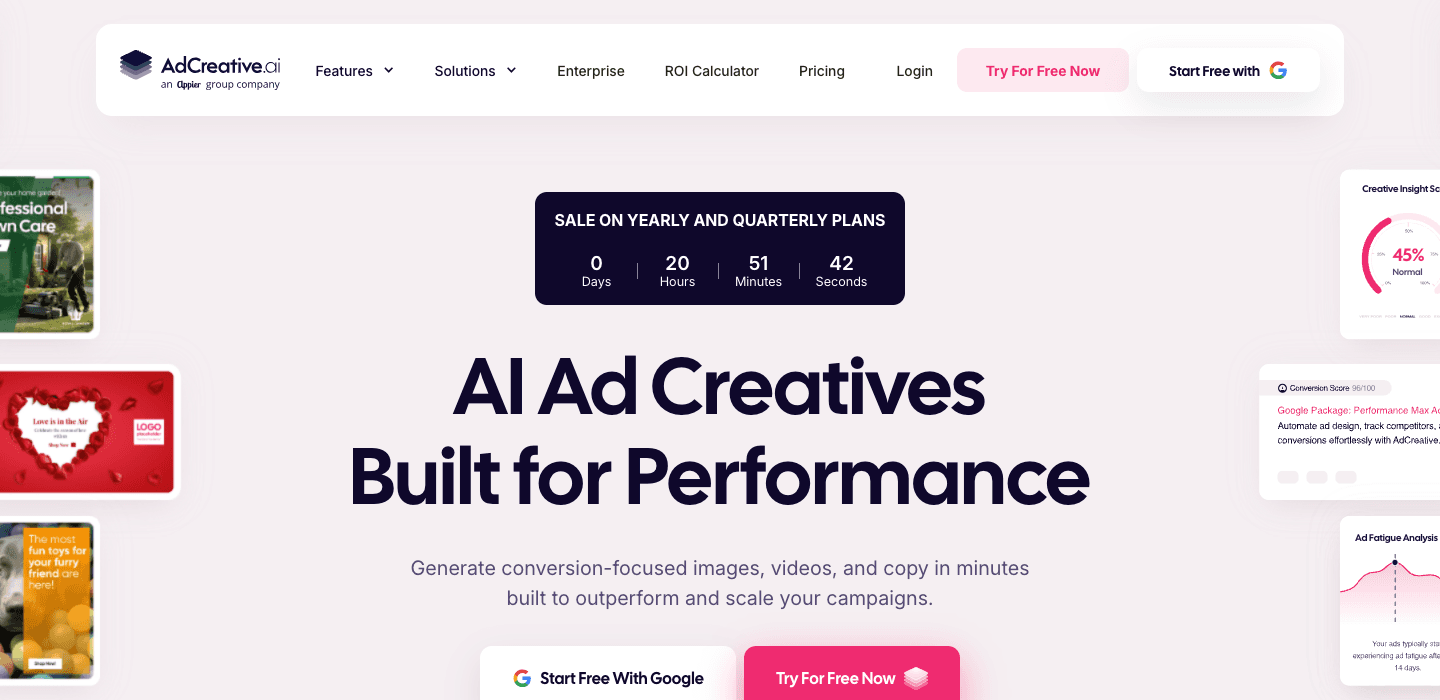
AdCreative.ai uses AI to generate ad creatives: images, headlines, descriptions, and full ad packages for Google Ads, Facebook, Instagram, and LinkedIn. Its primary strength is Display and social ad creative generation, not Search campaign building. If you need banner ads or social creatives at scale, it is a strong option. For Search campaign structure, look elsewhere.
Key Features
- AI generates hundreds of ad creatives in seconds
- Creative Scoring AI rates each creative's conversion potential (0-100)
- Multi-platform output: Google Display, Facebook, Instagram, LinkedIn
- A/B testing built into the platform
- Trains on your own ad account data for better suggestions over time
Pros
- Fast creative generation for Display and social campaigns
- Scoring system helps identify high-potential creatives before launch
- Multi-platform creative output saves time across channels
- Affordable starting point at $29/mo
Cons
- Focused on creatives (images, banners), not Search campaign structure.
- No keyword management, ad group creation, or campaign building.
- No CSV export for Google Ads Editor.
- AI-generated copy often needs human editing for brand voice.
Pricing
- Starter: $29/mo. 1 user, 100 creatives/month.
- Professional: $59/mo. 3 users, 500 creatives.
- Agency: $149/mo. 5+ users, 2,000+ creatives.
7-day trial available.
Best for: Marketers who need Display and social ad creatives at scale. Not suited for Search campaign building.
8. Cloudginny
Website: cloudginny.com
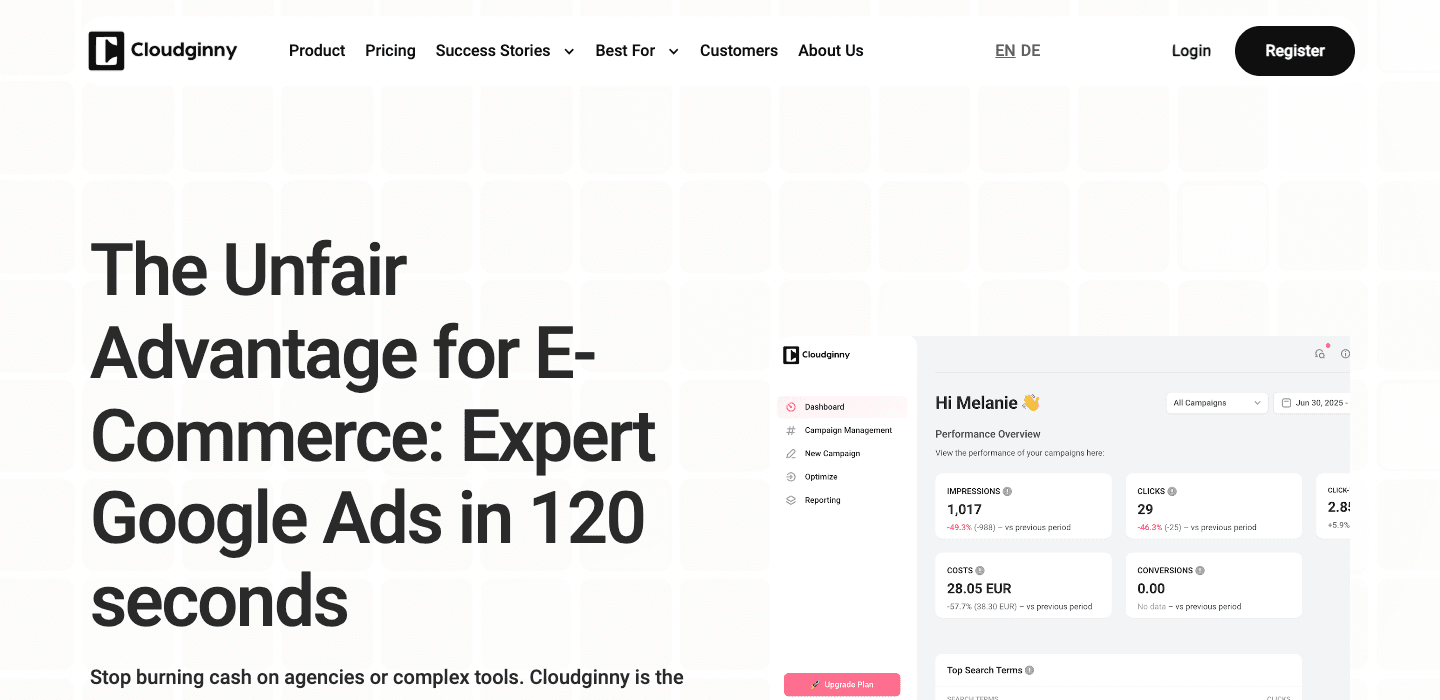
Cloudginny takes an AI-first approach: point it at your website, and it analyzes your business to generate Google Ads campaigns automatically. It creates ad copy, selects keywords, and structures campaigns with minimal input. It also handles ongoing optimization with one-tap daily adjustments.
Key Features
- AI analyzes your website and auto-generates campaign structure
- Supports RSAs, Shopping, and Performance Max campaign types
- One-tap daily optimization
- Multi-language campaign localization
- Weekly automated performance reports
- GDPR-compliant with external DPO
Pros
- Very low effort. Point at your website and get campaigns.
- Good for non-experts who want Google Ads without deep knowledge.
- Multi-language support for international campaigns.
- Covers more campaign types than Search-only tools.
Cons
- Less control over campaign structure and keyword selection.
- AI-generated campaigns may not match your brand strategy.
- Pricing scales with ad spend and gets expensive quickly.
- No CSV export for Google Ads Editor workflow.
- No SKAG or detailed campaign architecture options.
Pricing
- Starter: €79/mo. Up to €1,499 ad spend.
- Premium: €249/mo. Up to €4,999 ad spend.
- Pro: €499/mo. Up to €14,999 ad spend.
- Enterprise: from €990/mo.
7-day trial. 17% annual discount.
Best for: Small business owners who want to launch Google Ads without PPC expertise. Not ideal for experienced PPC managers who want granular control.
9. Google Ads Editor
Website: ads.google.com/intl/en/home/tools/ads-editor
Google Ads Editor is Google's own free desktop application for bulk editing campaigns. It is not a campaign builder in the traditional sense. It does not generate campaigns from keyword lists or create ad copy for you. But it is the universal import tool that most campaign builders export to, and many PPC managers use it for manual bulk edits.
Key Features
- Download and edit campaigns offline
- Bulk editing with find-and-replace across campaigns
- Copy and paste campaigns, ad groups, and keywords between accounts
- Import from CSV files (the standard campaign builder export format)
- Check for errors before publishing changes
Pros
- Free, no cost ever.
- Official Google tool with guaranteed compatibility.
- Supports all campaign types and settings.
- The standard import format for campaign builder CSV exports.
Cons
- No campaign generation. Purely a bulk editor.
- No AI, no templates, no keyword combination logic.
- Manual work for every change.
- Desktop-only application (Windows and Mac).
- No ad copy generation or variable substitution.
Pricing
Free.
Best for: Every PPC manager as an import and editing tool. Pair it with a campaign builder for the best workflow.
How We Evaluated These Tools
We assessed each tool across five criteria:
- Campaign Creation. Can it generate campaigns, ad groups, keywords, and ads from keyword inputs? How much control do you have over the structure?
- Ad Copy at Scale. Does it support variable-based or AI-generated ad copy that is unique per ad group?
- Match Type Handling. Does it support Exact, Phrase, and Broad match with proper negative keyword protection?
- Export and Integration. Can you export to Google Ads Editor CSV? Does it integrate directly with Google Ads?
- Value for Money. What do you get for the price? Is the tool worth it for your team size and ad spend?
We prioritized tools that actually build campaigns from keyword inputs, rather than tools that only optimize or manage existing campaigns. If a tool primarily focuses on bid management, reporting, or creative generation, we noted that in its review.
The Bottom Line
The right campaign builder depends on what you need:
- If you build large Search campaign structures from keyword lists, WonderAds gives you the most control with variable-based ads, SKAG methodology, AI keyword planning, and automatic negative keywords, starting at $9/mo.
- If you need an enterprise platform with ongoing automation, Optmyzr or Adalysis cover campaign building plus optimization.
- If you want AI to do everything, Cloudginny or AdsBuildy generate campaigns with minimal input, with less control.
- If you need creative generation for Display and social, AdCreative.ai is the specialist.
- If you just need to edit campaigns in bulk, Google Ads Editor is free and essential.
For most PPC professionals building Search campaigns at scale, the workflow is straightforward: build your campaign structure in a dedicated builder, export the CSV, import it into Google Ads Editor, and publish.
Related Articles
Build Your Next Campaign in Minutes
WonderAds generates the complete Google Ads structure from your keyword lists: campaigns, ad groups, keywords, tailored RSA ads, and negative keywords. Export as a single CSV for Google Ads Editor.
Get Started with WonderAdsRelated Articles
How to Scale Google Ads Campaigns Without Losing Performance
Learn how to scale Google Ads Search campaigns by adding keywords, expanding to new markets, and automating campaign structure, without sacrificing Quality Score or ROI.
Read articleHow to Turn Off Auto-Applied Recommendations in Google Ads (2026)
Google Ads can change keywords, bids and ads on its own. Learn what auto-applied recommendations do, when they help, and how to switch them off.
Read articleGoogle Ads Account Structure: How to Build Your Account the Right Way
Learn the optimal Google Ads account structure with campaigns, ad groups, and keywords. Discover how proper organization lowers your CPC and improves Quality Score.
Read article